
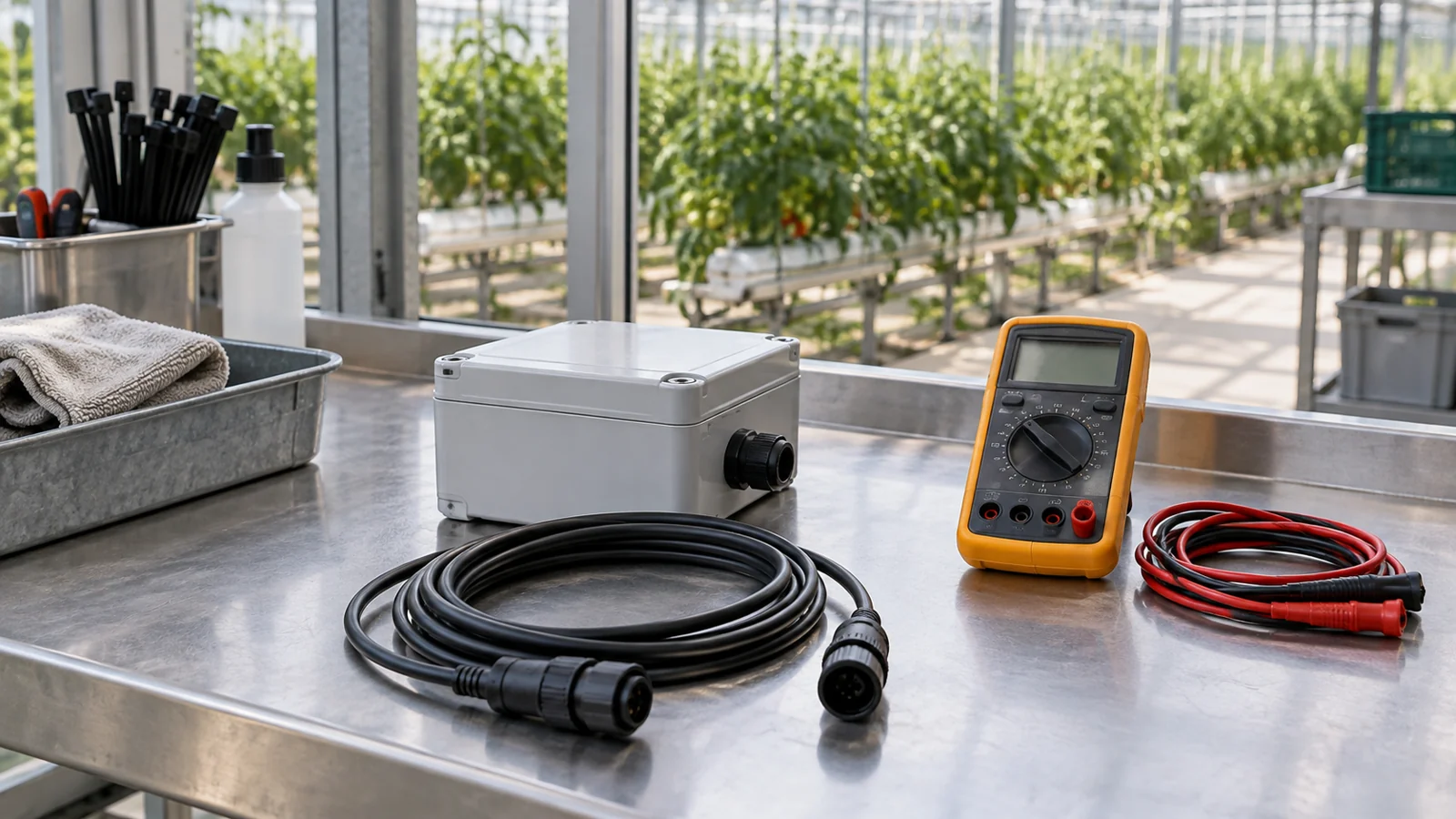
Agricultural sensor troubleshooting starts by separating four possible problems: the device is not powered correctly, communication is failing, the receiver is interpreting the signal incorrectly, or the measurement does not represent the growing environment. Replacing a probe before identifying the failing layer can leave the original problem unresolved.
For irrigation installers, distributors and system integrators, a repeatable diagnostic process also makes supplier support more effective. A wiring diagram, configuration record and raw response usually tell more than a screenshot showing “sensor offline.” This guide explains what to check when agricultural sensors stop responding, produce unexpected values or lose reliability after installation.
Start Agricultural Sensor Troubleshooting With the Symptom
Before changing settings, record the sensor model, output option, firmware if available, wiring and last known working configuration. Note when the problem began and whether it followed rainfall, fertilizer application, equipment startup or a software change.
| Symptom | Investigate first | Useful evidence |
|---|---|---|
| No readings from one sensor | Supply, connector and device settings | Voltage at the sensor, wiring photo and polling request |
| Multiple sensors fail together | Shared power, bus or gateway | Node list, topology and event time |
| Values are stable but implausible | Register interpretation or analog scaling | Raw response, data type, unit and configured range |
| Readings change when a pump starts | Power disturbance or interference | Operating sequence and voltage observations |
| Soil readings gradually diverge | Placement, medium and calibration | Installation record and reference measurements |
| Local readings work but cloud data stop | Gateway and platform connection | Timestamped local data, connection logs and last upload |
These are starting points, not confirmed diagnoses. Change one variable at a time and record the result. When isolating equipment for a test, put the affected irrigation zone into its documented maintenance mode so stale data do not continue to drive automatic operation.
Check Power at the Device, Not Only at the Cabinet
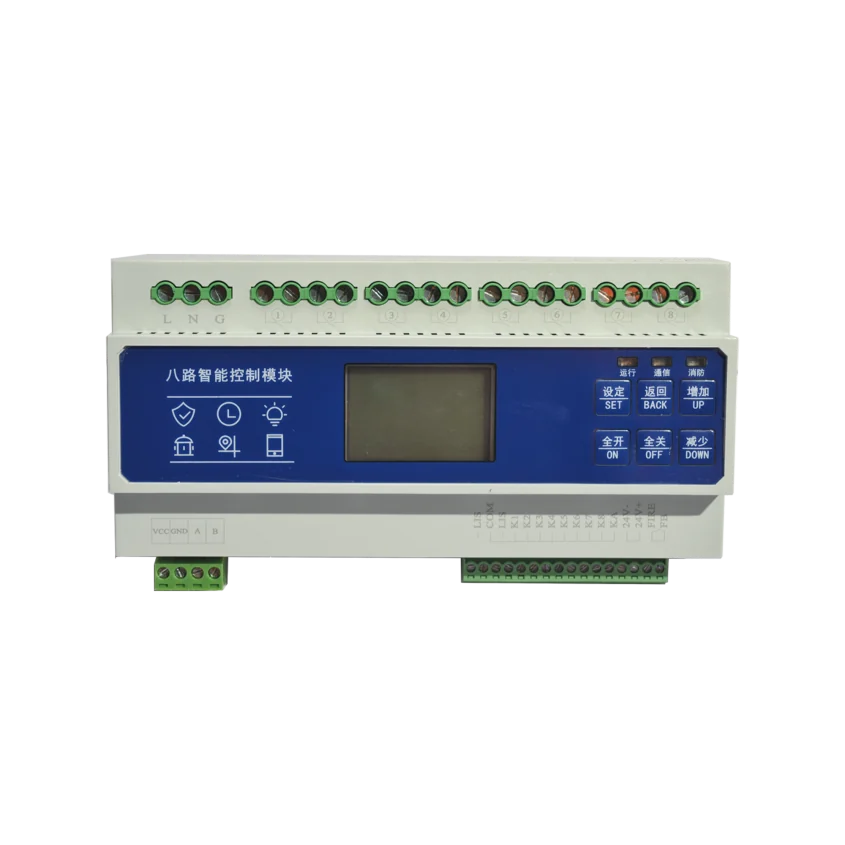
A power supply can show the expected voltage while a remote sensor receives less because of cable resistance, damaged connections or shared-load demand. Measure at the sensor terminals under operating conditions and compare with the exact model’s permitted range.
Check polarity, connector pinout and the distinction between supply and signal terminals. A cable color is not a universal wiring standard. Where several devices share a supply, note whether the fault appears during gateway transmission, relay operation or pump startup.
Do not increase voltage beyond the specified limit to compensate for poor wiring. Correct the supply design, cable or connection instead. A handheld meter may also miss brief disturbances; intermittent resets can require appropriate logging or further electrical investigation.
Identify the output before testing it
RS485, voltage output, 4–20 mA and pulse output need different receiving hardware and tests. An RS485 sensor will not become readable through an ordinary analog input merely because its power supply is compatible.
For a 4–20 mA device, confirm whether it is loop-powered or separately powered and whether the receiving input supplies loop power. Account for the transmitter’s required operating voltage and the voltage consumed by wiring, the receiver and other loop devices. Texas Instruments explains this constraint in its two-wire transmitter compliance-voltage guide.
Map the electrical signal to the ordered measurement range. For a linear 4–20 mA configuration, 12 mA represents the midpoint of that configured range—not the same pressure or water level on every model. Fault-current behavior must also come from the device documentation.
Isolate RS485 and Modbus Communication Problems
RS485 defines an electrical interface; it does not identify the application protocol. Confirm that both devices support the same protocol and operating mode before changing register addresses.
Test one sensor on a short connection
Disconnect the test device from the shared bus according to the site’s maintenance procedure. Use a compatible interface and documented supply, then verify baud rate, parity, stop bits, device address and response timing.
If it responds reliably alone, reconnect the network in controlled stages. This helps identify a branch, device or configuration that introduces the fault. If it still fails alone, investigate power, wiring and configuration before assuming the sensor is defective.
Check address and polarity documentation
Devices sharing a Modbus RTU bus need distinct addresses for normal individual polling. Several newly installed sensors with the same factory address can prevent reliable identification. Commission their addresses individually before connecting the full group.
A/B terminal naming can differ between equipment vendors. Compare their documented signal definitions rather than assuming identical lettering guarantees compatible polarity. Verify wiring before applying power or swapping connections.
Review the bus as a system
For a conventional multidrop installation, review the trunk, branch lengths, cable specification and termination arrangement. Do not add termination to every sensor as a general cure. Texas Instruments’ RS485 termination guidance explains how cable behavior and signal timing affect termination requirements.
Idle-state biasing, reference conductors, isolation and protection also need to fit the equipment and site. Use the Modbus Organization’s implementation guides together with the device manuals. A successful short bench connection does not prove that a long field installation is correctly designed.
Diagnose Incorrect Values Separately From Missing Data
A valid communication response can still be interpreted incorrectly. Compare the raw response with the register map for the exact model and revision.
Confirm the function code, register offset, number of registers, signed or unsigned representation, scale factor and unit. For values spanning multiple registers, check the specified word and byte order. Software may also present addresses differently from the manufacturer’s register table.
For example, a raw integer of 253 might represent 25.3°C if the documented scale is 0.1°C. It could mean something else in another register. This is an illustration of scaling, not a specification for a Wewin sensor.
Also check whether “soil moisture” means volumetric water content or a relative scale, and whether EC is shown in µS/cm, mS/cm or dS/m. Record conversion rules rather than hiding them inside a dashboard configuration. Do not use soil EC as a direct measurement of individual nutrient concentration.
Avoid generic PLC wiring instructions
NPN/PNP switching outputs, pulse signals and analog signals are different interface types. Their compatibility depends on the selected PLC input module, its common-terminal arrangement and the sensor circuit. Use the matching wiring diagrams; a universal instruction such as “connect COM to 0V” is not sufficient.
For pulse measurements, also confirm pulse factor, counter input requirements and the manufacturer’s definitions of frequency, edges or encoder multiplication. A consistent multiple of the expected value can indicate configuration error rather than measurement drift.
Investigate Soil Sensor Drift Without Guessing a Calibration Fix
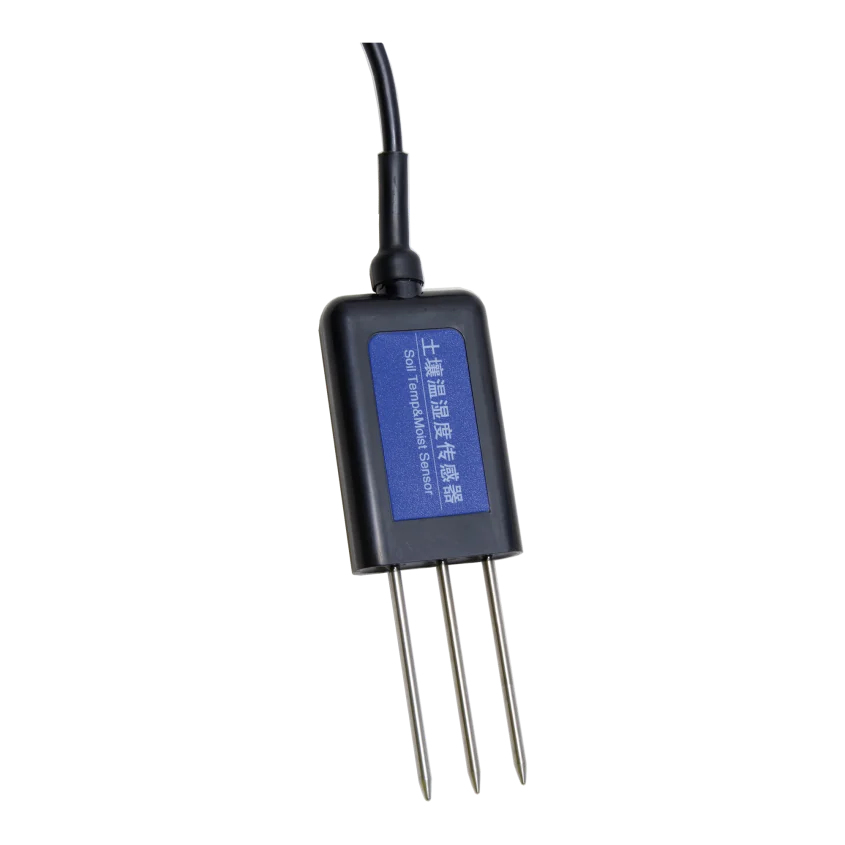
Two probes can disagree because they measure different conditions. Check depth, distance from emitters, contact with the medium, air gaps and disturbance around each probe. A reading taken beside a dripper should not automatically be expected to match one outside the main wetting zone.
Identify the sensing principle separately from the housing shape. “Capacitive” describes an electrical measurement approach; “insertion probe” describes a physical form. An insertion probe may use dielectric measurement, and durability cannot be inferred from that label alone.
A manufacturer’s troubleshooting manual can help distinguish installation and calibration effects. For example, the METER 10HS manual discusses air gaps, packing density and medium-specific calibration. Those mechanisms are useful diagnostic considerations, but its numerical limits and wiring apply to that product—not automatically to another sensor.
Use an appropriate reference method and representative samples before changing a calibration. Compare the same measurement basis: gravimetric and volumetric water content require a density-based conversion, not a direct percentage comparison.
Do not prescribe soaking every soil probe in water every few weeks. Cleaning must follow its material and enclosure instructions, and immersion is not a substitute for calibration. Air and water checks are meaningful only if the manufacturer specifies how to perform and interpret them.
Maintenance intervals should reflect observed stability, exposure and the manufacturer’s recommendations. Keep the original readings and calibration version so a correction can be reviewed later.
Separate Gateway Dropouts From Sensor Faults
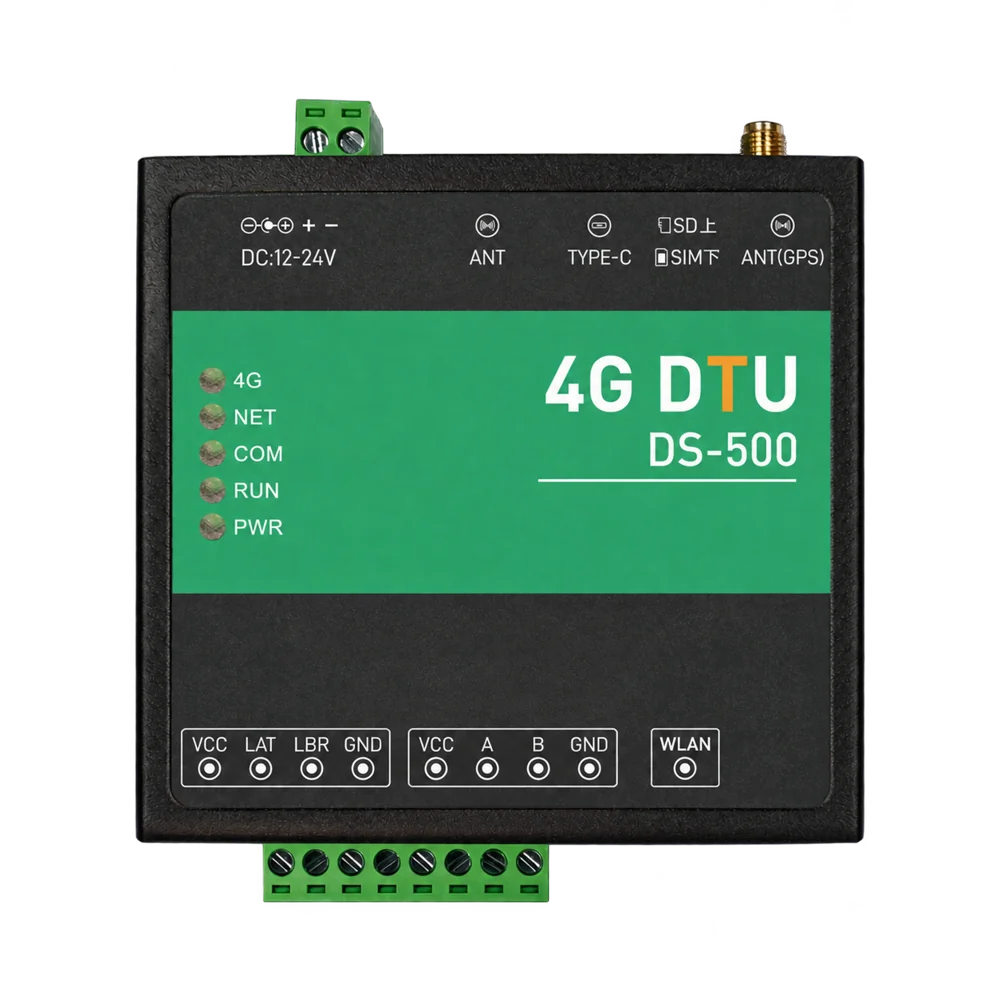
If the gateway can read a sensor locally but the platform stops updating, the immediate problem may be beyond the sensor connection. Check local acquisition timestamps, gateway connectivity, cellular registration where applicable, and platform authentication or topic configuration.
For wireless nodes, compare the failing location with a documented test location and record antenna position, obstacles and reporting behavior. Do not treat a quoted open-field distance as a guarantee inside a metal-framed greenhouse.
Look at the age of the measurement, not just whether a number remains on screen. After connectivity returns, buffered records may arrive late. The platform should distinguish when a reading was acquired from when it was received.
Our sensor-to-control data-loop guide explains how this information supports irrigation decisions and feedback. This troubleshooting guide addresses the faults that can prevent that loop from operating reliably.
What to Send the Supplier Before Requesting a Replacement
A concise diagnostic package can reduce repeated questions and unnecessary replacement shipments. Include:
- Product model, serial or batch identification and ordered output option.
- Controller, input module or gateway model and relevant firmware versions.
- Wiring diagram and clear photographs of labels and terminals.
- Supply voltage measured at the device under the relevant operating condition.
- Cable length, topology and communication configuration.
- Raw request and response, or measured analog/pulse signal.
- Expected value, displayed value, unit and reference method.
- Fault timestamps, recent changes and results of the isolated-device test.
- Installation medium, sensor depth and exposure conditions where relevant.
For new purchases, request the pinout, protocol/register documentation, configuration procedure, calibration information and acceptance-test requirements before ordering a batch. Confirm how configuration or firmware changes will be communicated for repeat supply.
Часто задаваемые вопросы
Should a nonresponsive sensor be replaced immediately?
First establish whether it works with the documented supply and a compatible receiving interface. A shared power or communication fault can produce the same symptom as a failed sensor.
Can an RS485 connection work without Modbus?
Yes. RS485 can carry other protocols. Both devices must support the same application protocol; compatible electrical terminals alone are not enough.
Does a stable soil reading prove the probe is stuck?
No. The monitored conditions may be stable. Compare recent irrigation events, neighboring measurements, raw data and the installation before deciding whether inspection is needed.
Should an AI system correct abnormal readings automatically?
Keep the original values and identify any processing or substitutions. A suggested correction should not silently become a verified measurement used for equipment control.
Build Reliability Into the Purchase Specification
Agricultural sensor troubleshooting is more effective when the equipment arrives with clear interface documentation and a repeatable test procedure. Define the measurement, receiving hardware and installation conditions before comparing quotations.
For component matching or sample discussions with Wewin Smart Agri, send your destination country, application, required measurement, output protocol, controller or gateway model, power supply, cable arrangement and estimated quantity. For an existing fault, include the diagnostic records above.
See our RS485 soil pH sensor машины для фертигации датчик давления в системе орошения, or send your requirements. Confirm the required configuration and test samples with the intended system before placing a batch order.